Configure a Github integration for self-hosted Qyra
Create a GitHub app and wire its credentials into your instance so Qyra can write to dbt repos
🛠 This page is for engineering teams self-hosting their own Qyra instance. If you want to use the GitHub integration, go to the dbt projects guide.
In this guide we will show you how you can enable the Github integration on your on self-hosted Qyra server.
Create a new Github app
Go to app settings in Github, either organization or account developer settings and click New Github App
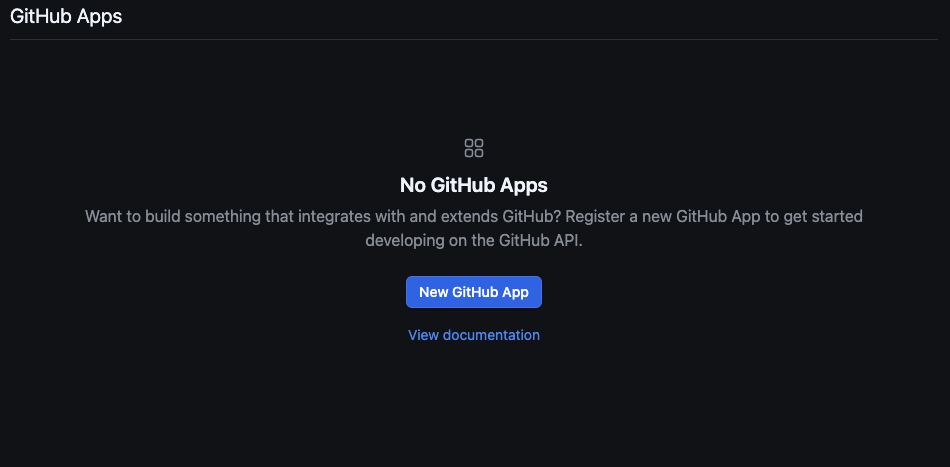
Settings:
-
Set the app name: must be unique across Github
-
Add a description
-
Homepage URL: e.g.
https://qyraflow.com -
Callback URL:
https://<your-domain>/api/v1/github/oauth/callback -
Enable
Expire user authorization tokens -
Enable
Request user authorization (OAuth) during installation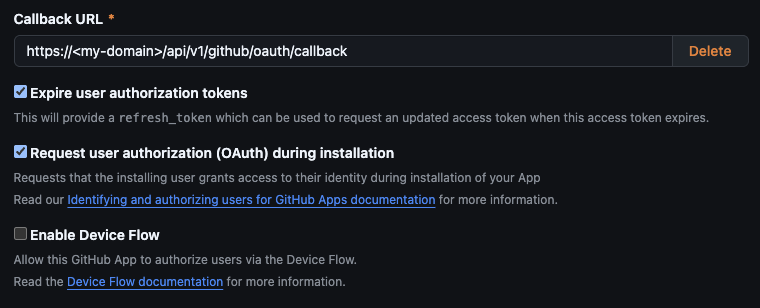
-
Enable **Redirect on update **on Post Installation
-
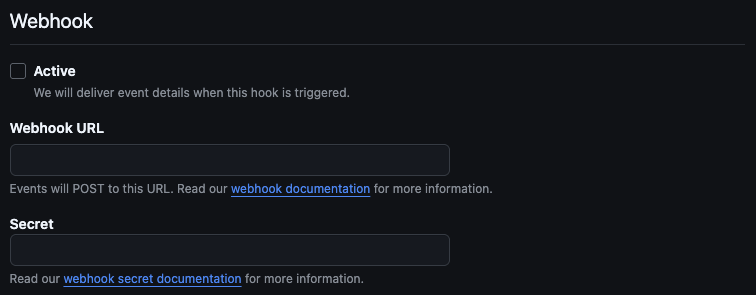
Deactivate webhooks
Repository Permissions:
- Checks:
Read and write - Contents:
Read and write - Pull requests:
Read and write - Workflows (optional):
Read and write
Account Permissions: None
Where can this GitHub App be installed? Any account
Generate Certificate and Secret
After creating your Github account you will need to generate a Client Secret.
Copy it and keep it safe, this will get used for the GITHUB_CLIENT_SECRET environment variable.

And a Private Key.
Convert the contents of the private key file into base64 , this will get used for the GITHUB_PRIVATE_KEY environment variable.
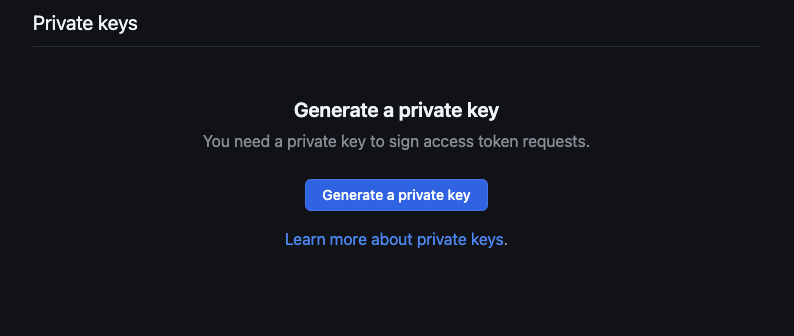
You should save both the Client Secret and the Private Key in a safe place as you might need them at a later time.
Adding credentials to your local environment
Now you need to add the following environment variables to your Qyra server.
GITHUB_PRIVATE_KEY: This is thebase64string of the Private Key generated for your Github appGITHUB_CLIENT_SECRET: This is the client secret generated for your Github appGITHUB_CLIENT_ID: Copy this from your Github app settings > GeneralGITHUB_APP_ID: Copy this from your Github app settings > GeneralGITHUB_APP_NAME: This is the name you set for your app, you can find it in app settings.